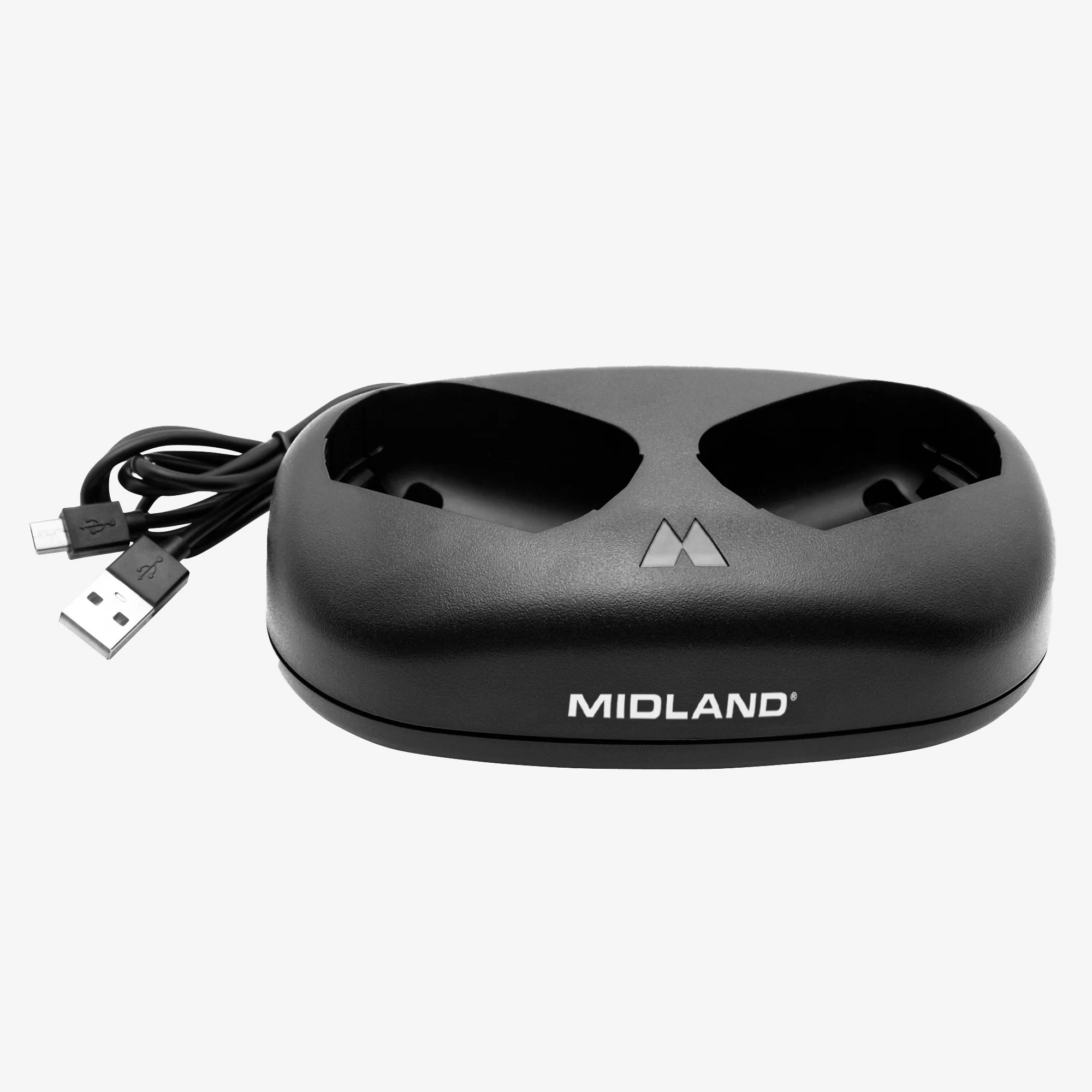
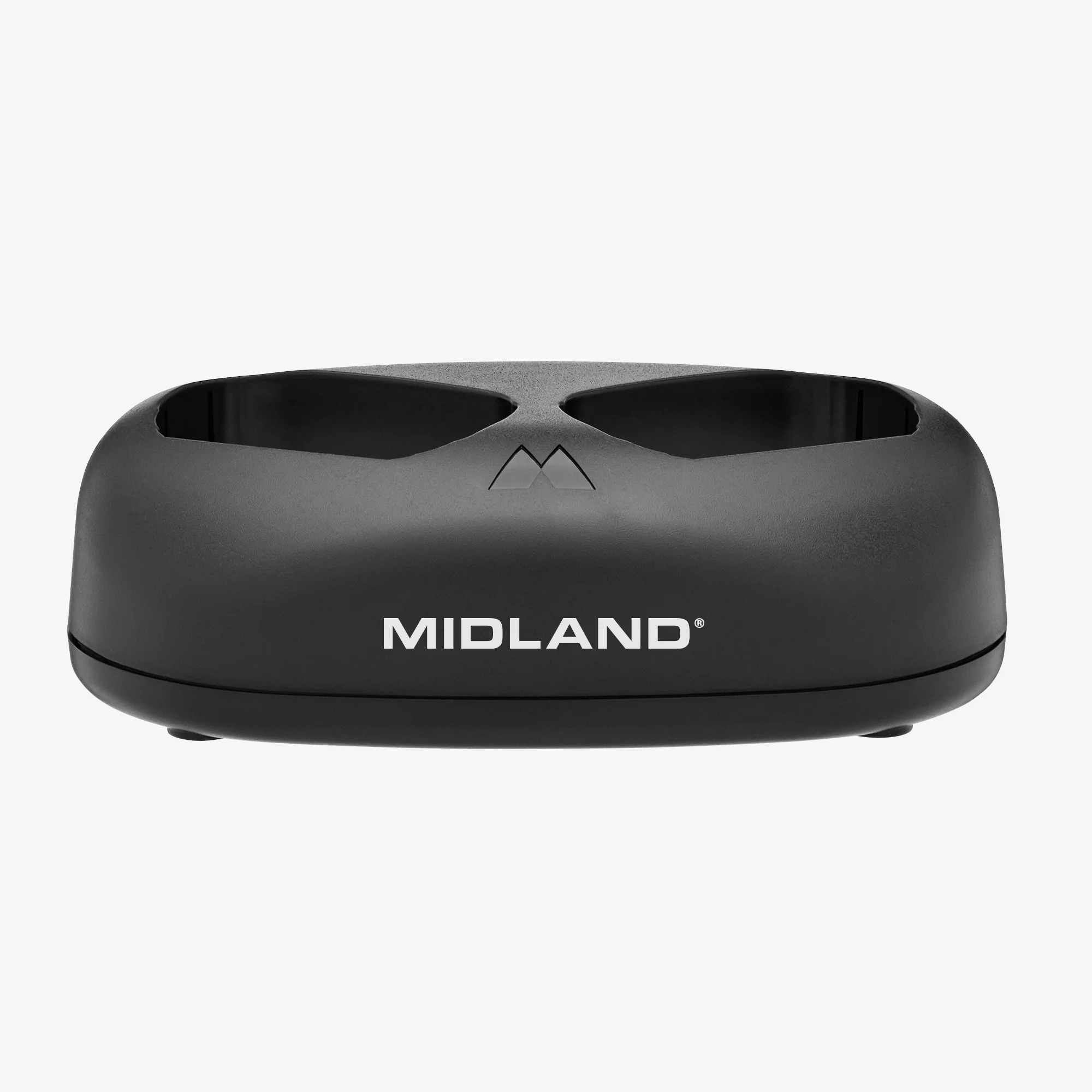
GXT67 PRO Programming Cable - AVP34
View and change the configuration of the menu options and how they display on the radio menu.
OPTIONAL COMPUTER (PC) INTERFACE
In addition to providing a convenient interface for viewing and changing a radio’s configuration, the PC interface provides the following capabilities that are not available using the radio menu interface:
1. Save and (re)Load configurations
2. Define up to 49 custom channels (51 – 99)
3. Assign a custom name to a channel (containing up to 8 letters or numbers)
To use the optional PC interface, obtain the interface cable and download the
PC application through the Midland GXT67 Pro product page at midlandusa.com.
Compatible with GXT67 PRO. Software: GXT67_Setup.exe
Product Information
Product Information
Shipping & Returns
Shipping & Returns
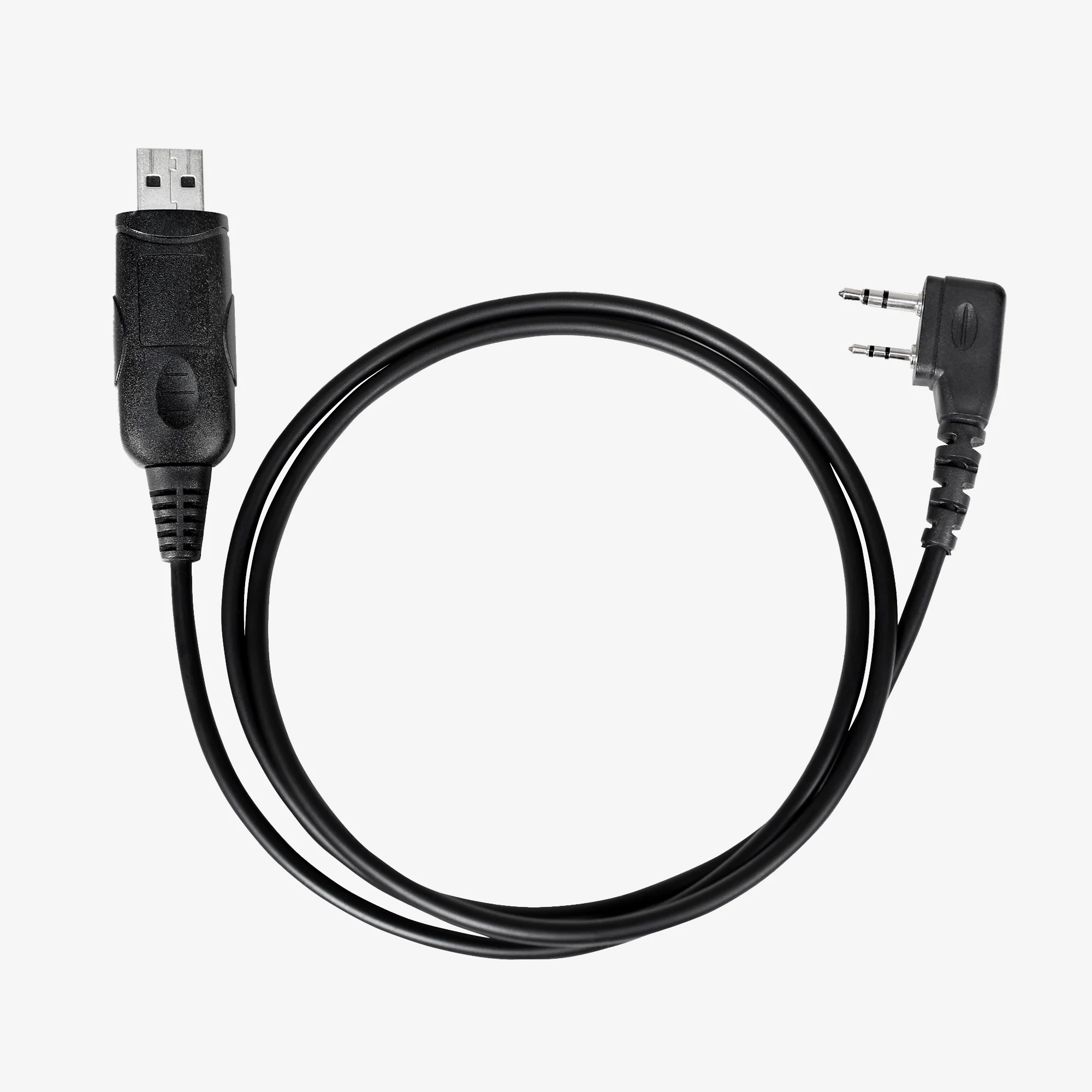
GXT67 PRO Programming Cable - AVP34
GXT67 PRO Programming Cable - AVP34
View and change the configuration of the menu options and how they display on the radio menu.
OPTIONAL COMPUTER (PC) INTERFACE
In addition to providing a convenient interface for viewing and changing a radio’s configuration, the PC interface provides the following capabilities that are not available using the radio menu interface:
1. Save and (re)Load configurations
2. Define up to 49 custom channels (51 – 99)
3. Assign a custom name to a channel (containing up to 8 letters or numbers)
To use the optional PC interface, obtain the interface cable and download the
PC application through the Midland GXT67 Pro product page at midlandusa.com.
Compatible with GXT67 PRO. Software: GXT67_Setup.exe
Original: $19.99
-65%$19.99
$7.00Product Information
Product Information
Shipping & Returns
Shipping & Returns
Description
View and change the configuration of the menu options and how they display on the radio menu.
OPTIONAL COMPUTER (PC) INTERFACE
In addition to providing a convenient interface for viewing and changing a radio’s configuration, the PC interface provides the following capabilities that are not available using the radio menu interface:
1. Save and (re)Load configurations
2. Define up to 49 custom channels (51 – 99)
3. Assign a custom name to a channel (containing up to 8 letters or numbers)
To use the optional PC interface, obtain the interface cable and download the
PC application through the Midland GXT67 Pro product page at midlandusa.com.
Compatible with GXT67 PRO. Software: GXT67_Setup.exe